
JSON Formatter Online
Format, validate, convert and explore your JSON data instantly — with advanced tools, tree views, type analysis and powerful features.
Trusted by developers, students, and teams worldwide
Working With JSON Should Not Be Complicated
Common problems
- Hard-to-read JSON
- Missing formatting
- Syntax mistakes
- Debugging difficulty
How jsonformatly solves it
- Instant formatting
- Clean structure
- Better readability
- Faster development workflow
Everything You Need For Better JSON Handling
Instant JSON Formatting
Turn compressed or messy JSON into readable, structured output in seconds.
JSON Validation
Identify structure issues and syntax mistakes before they slow your work down.
Clean Code Structure
Improve indentation, nesting, and visual hierarchy for easier inspection.
Developer Friendly Interface
Designed for fast workflows, clean reading, and repeat daily use.
Fast Browser Processing
Run formatting tasks quickly without waiting on heavy server round trips.
Easy Copy & Export
Move clean JSON back into your app, docs, API client, or test suite.
Format JSON In Three Simple Steps
Paste Your JSON
Add your raw JSON content and prepare it for instant cleanup.
Format And Validate
Beautify the structure while checking that the syntax is correct.
Copy Clean Output
Use the polished JSON in projects, API calls, tests, or documentation.

Why Developers Choose jsonformatly
Format JSON quickly during focused development sessions.
Keep the workflow direct, readable, and easy to repeat.
Spot invalid JSON structure before it reaches production workflows.
Browser-based processing supports sensitive development tasks.
Use it across devices with a responsive, readable interface.
Built For Every JSON Workflow
Web Developers
Inspect API responses, config files, and frontend data structures.
API Developers
Review payloads and debug request or response formatting issues.
Students
Learn JSON structure through clearer formatting and readable nesting.
Data Analysts
Clean and understand structured data before analysis or reporting.
Software Engineers
Move faster when working with configs, logs, and integration data.
QA Teams
Validate test payloads and improve bug report clarity.
Bring Structure To Dense JSON Data
Readable indentation and clear nesting make it easier to understand complex objects, arrays, and API payloads.


Find JSON Issues Before They Spread
Quick validation helps teams catch missing commas, broken nesting, and malformed payloads during active development.
Stay Focused While Working With Data
Use a fast formatting workflow whenever JSON appears in APIs, apps, dashboards, logs, or learning materials.

What Users Say About jsonformatly
Ava Brooks
Frontend DeveloperIt makes API response cleanup fast and keeps my debugging flow clean.
Noah Singh
Backend EngineerThe formatting is quick, readable, and useful during endpoint testing.
Mia Chen
Data AnalystMessy exported JSON becomes understandable in seconds.
Lucas Reed
QA LeadGreat for checking payloads before adding them to bug reports.
Sofia Martin
Computer Science StudentThe readable structure helped me understand nested JSON much faster.
Ethan Wright
API ConsultantSimple, fast, and focused on exactly what developers need.
Priya Nair
Software EngineerI use it whenever logs or config data arrive in a compressed format.
Ben Carter
DevOps EngineerIt keeps deployment config reviews quick and less error-prone.
Lena Ortiz
Product EngineerA polished formatter that feels built for real daily workflows.
Latest JSON Tips & Developer Guides
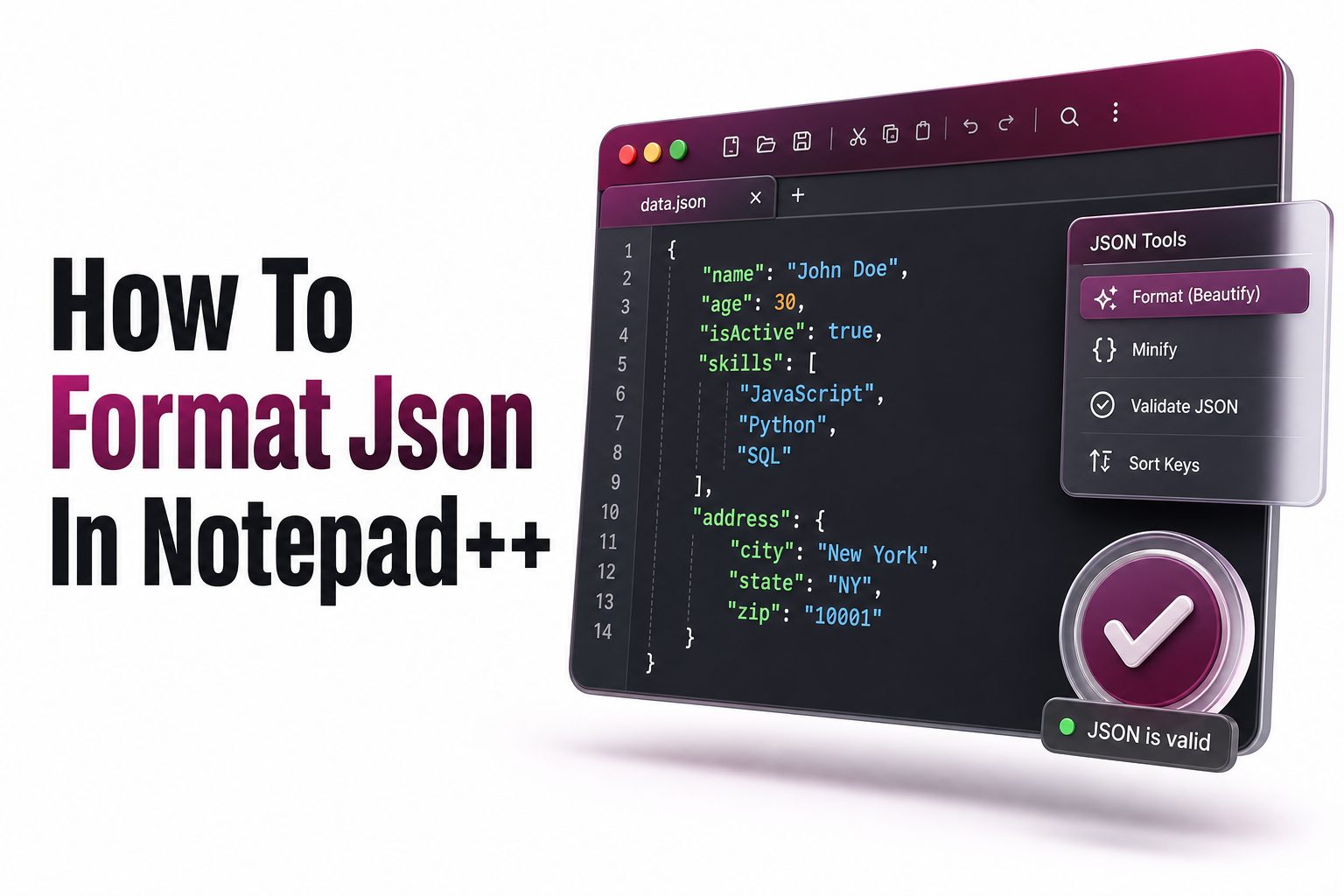 How to
How to Format JSON in Notepad++: Step-by-Step Guide
If you work with API responses, configuration files, or structured data, knowing how to format JSON in Notepad++ can save time and reduce mistakes.
Read more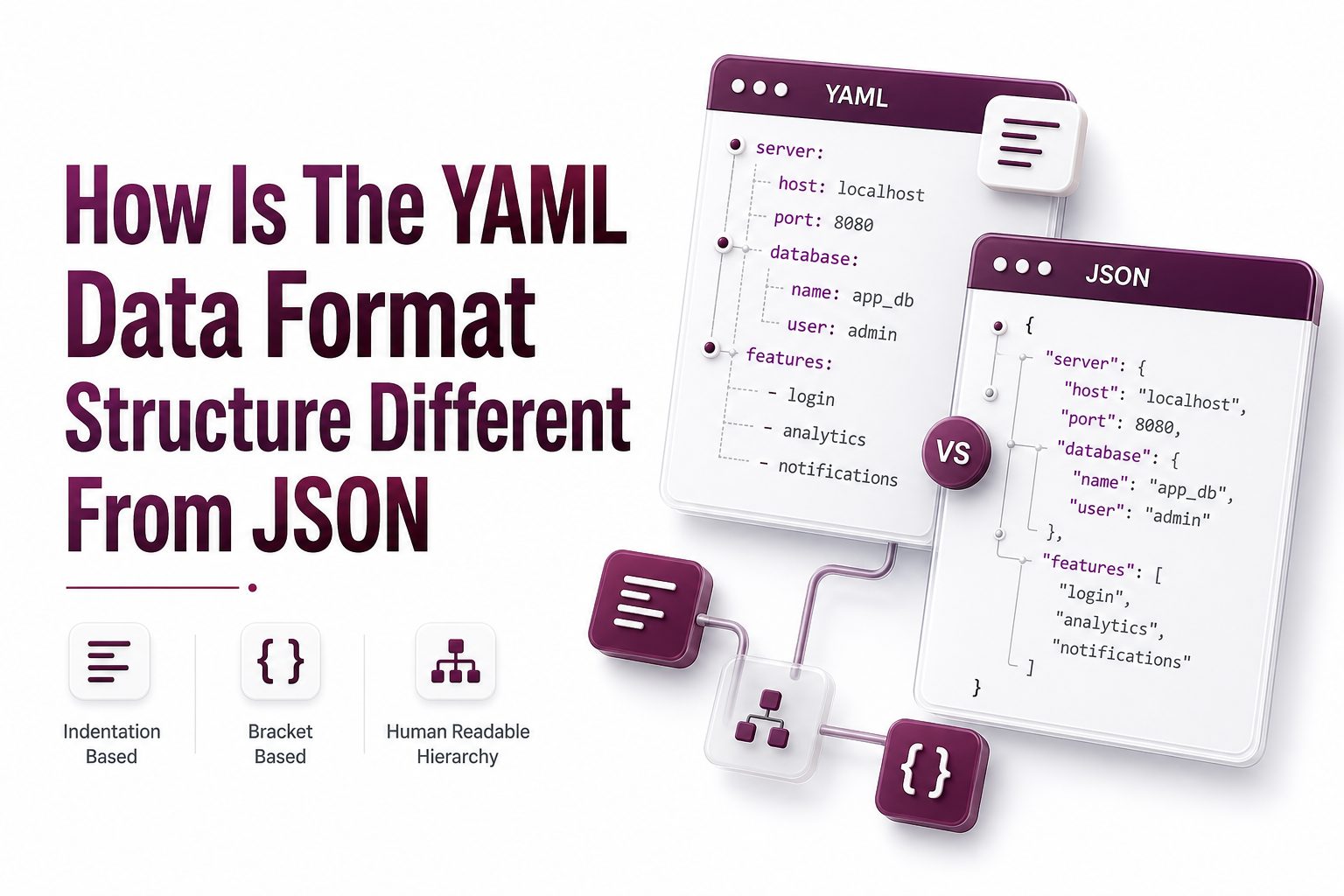 Structure
How Is the YAML Data Format Structure Different from JSON?
YAML and JSON are both data serialization formats used to store and exchange structured information.
Read more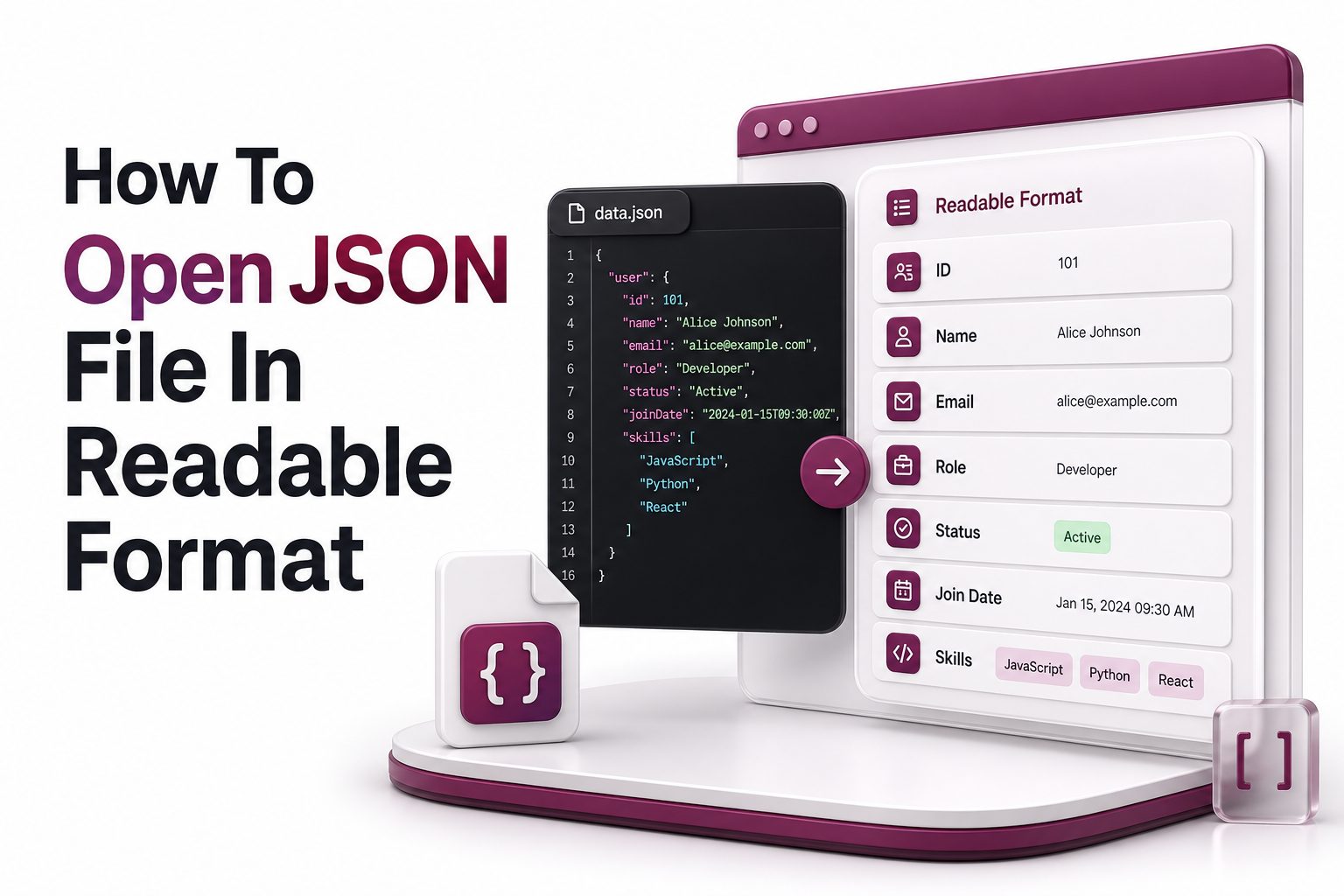 Debugging
How to Open a JSON File in Readable Format
A JSON file often looks confusing when it appears as one long line of text. The data may be correct, but without indentation, spacing, and structure..
Read moreFrequently Asked Questions
It is a browser-based tool that turns raw JSON into a clean, readable, and structured format.
Yes, jsonformatly is designed for quick free formatting workflows.
You can validate JSON structure and identify syntax issues before using the data.
The experience is designed around fast browser workflows, helping keep formatting private and direct.
Developers, students, analysts, engineers, QA teams, and anyone working with JSON can use it.
Yes, the layout is responsive and works across desktop, tablet, and mobile screens.
Formatted JSON is easier to read, debug, compare, review, and share with teammates.
Yes, the workflow is simple enough for beginners while still useful for professional developers.
Make Your JSON Workflow Faster Today
Start using jsonformatly to format, validate, and clean JSON with a faster developer-focused workflow.